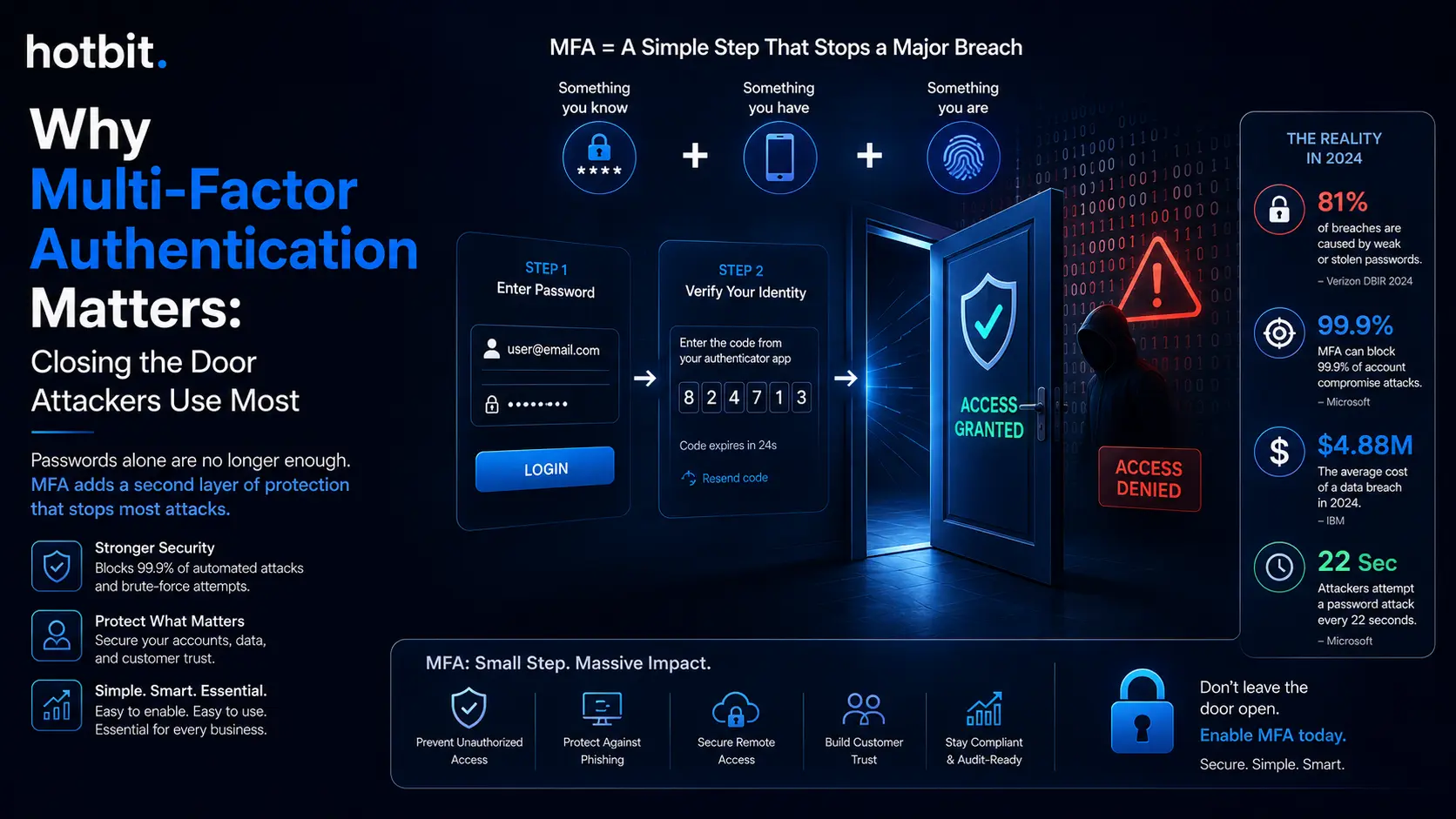
Stolen credentials remain one of the most common ways attackers get in, even as other tactics compete for the top spot. A single leaked credential can give an attacker a foothold in your customer data, financial systems, or cloud environment, and password reuse means one breach elsewhere can compromise an account you thought was safe. Most businesses only discover the gap after it has already been exploited.
Microsoft reports that MFA blocks more than 99% of unauthorized access attempts, according to its Digital Defense Report 2025, a figure specific to Microsoft’s own telemetry, not a universal guarantee across every MFA setup. Even so, that single control turns a stolen password into a far weaker weapon than it would be alone, and it is why multi-factor authentication now sits at the center of every serious security conversation, from regulators to cyber insurers to boardrooms.
Multi-factor authentication (MFA) requires two or more independent proofs of identity before granting access, typically something you know, something you have, and something you are. A password alone satisfies only one of those categories.
MFA closes the gap by demanding a second, separately verified factor an attacker is unlikely to hold, even if they already have your password. This is not the same as asking for a password twice; both checks must come from genuinely different, independent sources.
Not all MFA is built the same, and the method you choose changes how much real protection you get.
familiar and easy to deploy, but generally weaker than authenticator-app and phishing-resistant methods due to SIM-swapping and interception risk.
generate a time-based code or push notification directly on the device, avoiding cellular-network risk while introducing device-security considerations of their own.
3. Hardware security keys (FIDO2)
a physical key that must be present at login, purpose-built for phishing-resistant authentication.
a fingerprint or face scan, usually paired with a device-based key for stronger assurance.
Weaker methods still beat no MFA at all. But phishing-resistant, purpose-built methods like FIDO2 keys and passkeys close gaps that SMS and app-based codes leave open, and they are increasingly the standard for teams handling sensitive systems.
The threat landscape is not standing still. Verizon’s 2026 Data Breach Investigations Report found that exploited software vulnerabilities overtook stolen credentials as the top breach vector for the first time in the report’s 19-year history. Yet credential-based attacks still power a major share of confirmed breaches, including 88% of breaches within Verizon’s Basic Web Application Attacks pattern.
Understanding how cyber attacks are evolving in 2026 can help organizations identify emerging risks and strengthen their security strategies. IBM’s 2025 research put the average cost of a breach involving compromised credentials at $4.67 million, with a mean of 246 days to identify and contain it.
Businesses that leave MFA optional are betting against numbers moving in one direction. The 2024 Snowflake-linked breaches made the pattern public: multiple affected companies were reported to have lacked enforced MFA on the compromised accounts, and attackers moved fast once inside, reaching higher-value systems before defenders could respond. An incomplete MFA rollout increases exposure to credential-based attacks, and that exposure can translate into greater breach scope, higher recovery costs, and more operational disruption once an incident happens. Every account left on password-only access is a door attackers already know how to open.
Hotbit Infosoft, a digital-first technology company specializing in AI Automation, Product Engineering, Business Transformation, Cloud, Team-as-a-Service, and iGaming & Fantasy solutions, builds identity and access controls into every Cloud and Business Transformation engagement rather than treating them as an afterthought. We assess where password-only access still exposes your business, map the gaps against the frameworks you are already accountable to, and design MFA rollouts built to fit how your team actually works. Ready to close the gap before an attacker finds it? Talk to an Expert and start reducing your exposure to credential-based attacks.